

Delete learners
Delete one learner or several at once. The account is anonymised and cannot be restored; their results remain in the statistics.
In Manage your learners
Deleting a learner closes their account for good. If they only need to change team, move them instead: see Move learners to another team.
Before you start#
- Only Administrators and Content managers can delete learners.
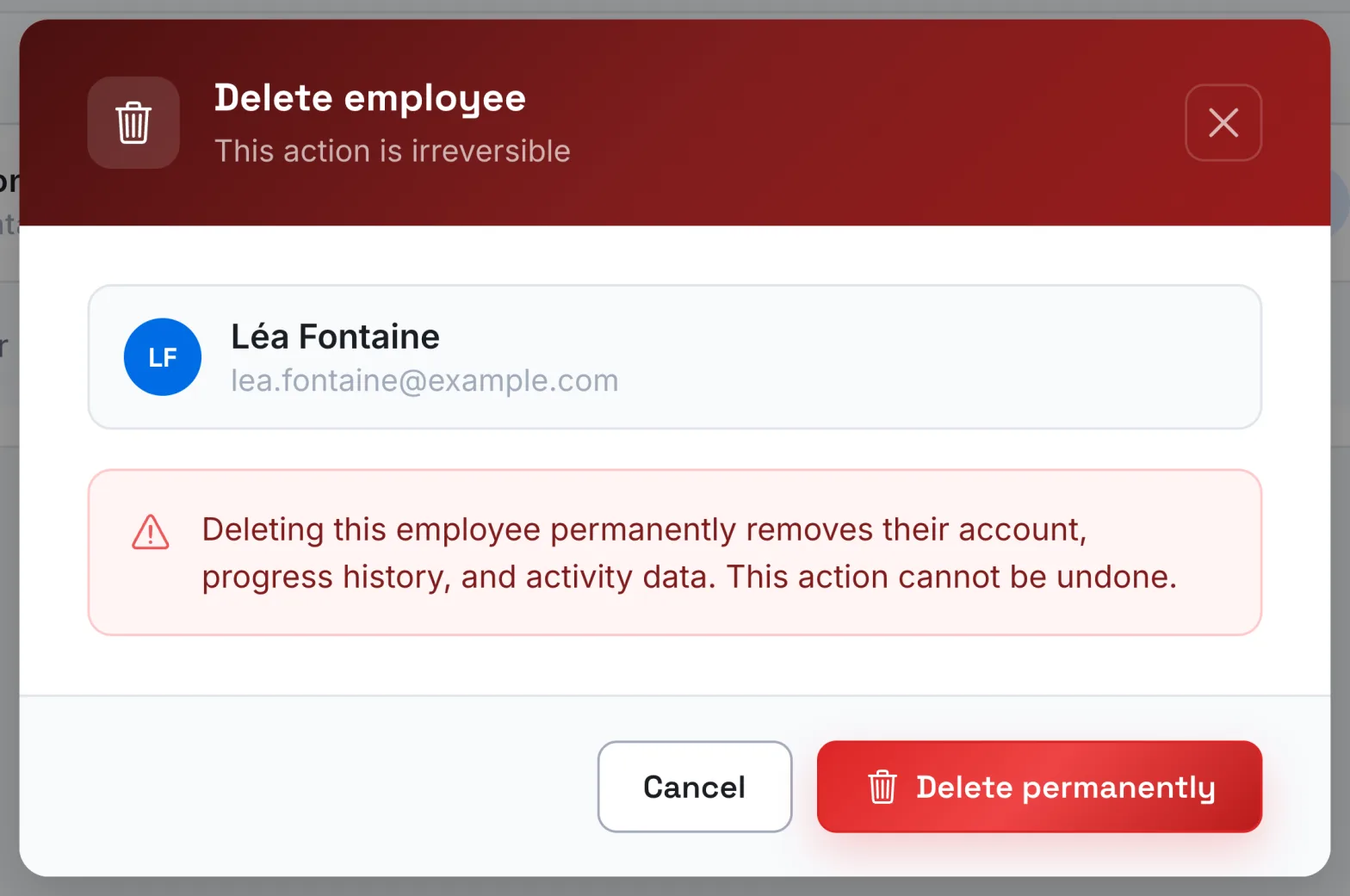
- Deletion cannot be undone. The confirmation window reminds you: "This action is irreversible".
Delete a learner#
- Open Employees › Learners.
- Open the actions menu at the end of the learner's row, then choose Delete employee.
- Check the name and address shown in the window, then click Delete permanently.
Delete several learners#
- In Learners, tick the learners to delete. The box in the header selects all those on the page.
- In the bar that appears, click Delete.
- In the Delete employees window, click Delete permanently.
The deletion continues in the background: you can keep browsing. Click View details to follow its progress. At the end, the app shows how many learners were deleted, and how many could not be.
What happens after the deletion#
- The account is anonymised: its name becomes "Deleted User" and its email address is erased. The person can no longer sign in.
- The learner disappears from the Learners list and from the Progress tab of courses.
- Their results still count, without their name, in the statistics of the courses they were taking. In the export of the Progress tab, their rows appear without a name or email address.
- Their learner seat is freed up.
You can create a new account with the same email address. It will be a new account, without the history of the old one.
Was this article helpful?
Thank you for your feedback!
Thank you. Tell us what is missing through Help and support in the app, and we will complete the article.