

Understand your administrator alerts and emails
The alerts shown in the platform and the emails administrators receive: getting started, end of trial, payment, low or used-up credit.
In Administer your platform
- Customise your organisation
- Manage the teaching team
- Track usage
- Activate your platform
- Manage your subscription
- View your enterprise contract
- Why is your platform read-only?
- Understand your administrator alerts and emails
- Enable SSO sign-in with Google or Microsoft
- White-label your platform
- Which options should you ask your Complement account manager for?
- Connect your LMS with LTI 1.3
- LMS: add courses, manage groups and grades
- Data security and privacy
Complement lets you know when your trial, your credit or your billing needs your attention: through alerts in the platform and by email.
Alerts in the platform#
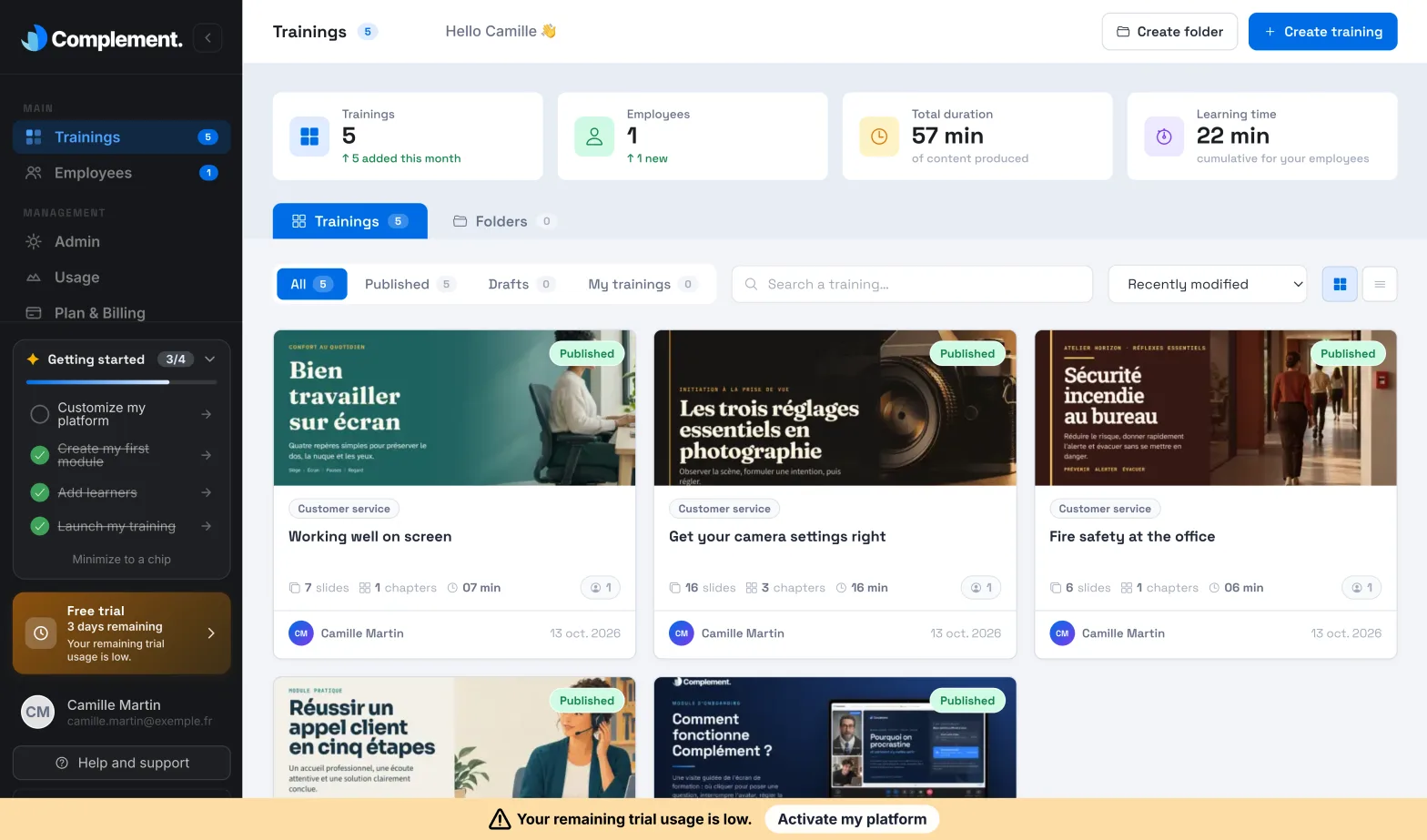
- A banner at the bottom of the screen flags what needs action, for example "Your credit balance is low." or "Your remaining trial usage is low." Its button opens the activation or takes you to Plan & Billing. The same banner shows when the platform becomes read-only.
- During the trial, Free trial, at the bottom of the menu, shows the number of days left.
- The Usage page shows an alert when your trial hours or your credit are running out, with an Activate my platform or Add credit button.
The other team members see a banner asking them to contact the account owner, with no action button.
Free trial emails#
These emails concern platforms created online. They are sent to the person who created the platform.
| When it arrives | |
|---|---|
| "Welcome to", followed by the platform name | After your account is activated, at the start of the trial. |
| "Finish your first course" | A few hours after you create a course that you have not yet published. Only once. |
| "Your course is live" | When a course is published for the first time during the trial. |
| "… day(s) left in your trial" | A few days before the end of the trial, then the day before. |
| "Your free trial has ended" | When the trial ends: time elapsed or trial hours used up. |
| "Your platform is active" | After the payment that activates your platform. |
The onboarding emails (welcome, continuing your first course, reminders and end of trial) stop as soon as the platform is activated. They contain an "Unsubscribe" link. If you use it, you still receive "Your course is live" and "Your platform is active".
Hour credit emails#
These emails concern platforms using hour credit, whether subscribed to online or set out in an enterprise contract. They are sent to all Administrators.
| When it arrives | |
|---|---|
| Low credit alert | When your credit becomes low. You receive it again if your credit becomes low again after a top-up. |
| "Your credits are used up" | When your credit has run out and the platform becomes read-only. |
Each of these emails contains a button that takes you to Plan & Billing to add credit. They have no unsubscribe link: they concern access to your platform.
Was this article helpful?
Thank you for your feedback!
Thank you. Tell us what is missing through Help and support in the app, and we will complete the article.